Rugby VPN Server Guide & Setup Checklist
Select a rugby tournament to find the best server location and broadcaster, or use the checklist below to ensure your setup is ready for match day.
Pre-Match Setup Checklist
Ensure these steps are completed before kick-off to avoid issues.
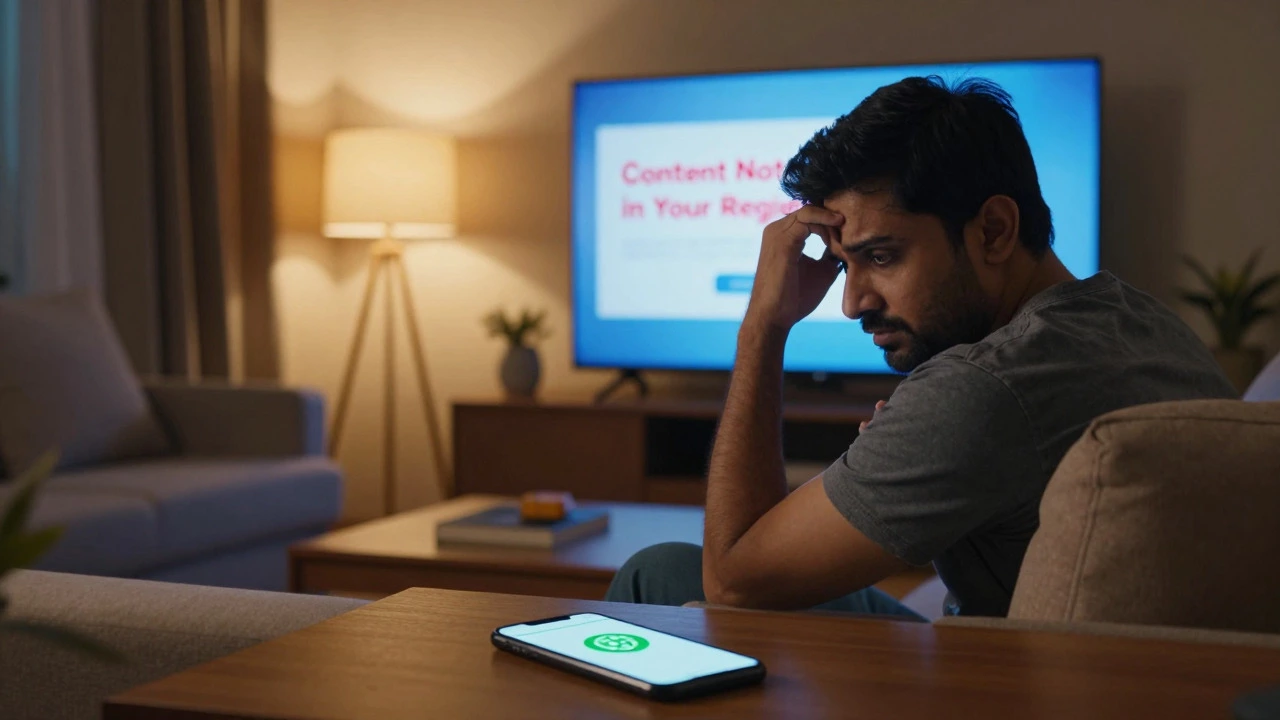
There is nothing quite like the roar of the crowd as the ball crosses the try line. But if you are sitting in your living room and the screen says "This content is not available in your region," that excitement turns into frustration instantly. You know the match is happening right now. You just can't see it because of where you live.
This is the reality for millions of rugby fans worldwide. Broadcasting rights are sold country by country. A stream free in New Zealand might cost a fortune in the UK, or be completely blocked in the US. This is where a Virtual Private Network (VPN) changes everything. It tricks the streaming service into thinking you are watching from a different location, unlocking the full library of matches, highlights, and replays.
Why Your Stream Gets Blocked
To understand how to fix the problem, you need to know why it happens. Streaming services use something called geolocation tracking. When you click play on a site like Sky Sports, ESPN+, or SuperSport, the platform checks your IP address. An IP address is a unique number assigned to your internet connection that reveals your physical location.
If the broadcaster has exclusive rights only for viewers in South Africa, and your IP address shows you are in Germany, the server blocks the video. This isn't necessarily about piracy; it's about licensing contracts. Broadcasters pay huge sums for these rights and want to ensure they are monetizing their specific audience correctly. However, this system often leaves legitimate fans stranded, unable to watch their favorite teams simply because they traveled or live abroad.
A VPN is software that creates a secure tunnel between your device and a remote server, masking your real IP address with one from the server's location. By connecting to a server in London, your computer appears to be in London. The streaming service sees a British IP address and grants you access to British rugby content. It is a digital disguise that works instantly.
Choosing the Right VPN for Rugby Streaming
Not all VPNs are created equal. If you pick a slow or unreliable service, you will spend more time buffering than watching scrums. For live sports, speed and stability are non-negotiable. You need a provider with high-bandwidth servers located in countries with major rugby broadcasting deals.
Here is what you should look for before signing up:
- Server Locations: Ensure the VPN has servers in key rugby nations like the UK, Ireland, New Zealand, Australia, South Africa, France, and Japan. These are the hubs for major tournaments like the Six Nations, Rugby Championship, and World Cup qualifiers.
- Speed Consistency: Look for providers that offer gigabit-speed connections. Live HD streaming requires at least 5 Mbps, but for 4K quality, you want much higher speeds to avoid lag during fast breaks.
- Simultaneous Connections: If you want to share the account with family or friends, check how many devices can connect at once. Most top-tier services allow 5 to 10 connections.
- No-Logs Policy: Privacy matters. Choose a provider based in a privacy-friendly jurisdiction that does not store your browsing history.
Services like ExpressVPN, NordVPN, and Surfshark are frequently recommended by tech reviewers for their ability to bypass strict geo-blocks used by major broadcasters. They invest heavily in infrastructure to keep their servers off the "blacklists" that streaming sites maintain.
Step-by-Step: How to Set Up Your VPN
Setting up a VPN is straightforward, even if you are not tech-savvy. Here is the process to get you watching within minutes.
- Select a Provider: Sign up for a reputable VPN service. Many offer a money-back guarantee, so you can test it risk-free during a match day.
- Download the App: Install the application on your preferred device. This could be your Windows PC, Mac, iPhone, Android phone, smart TV, or streaming stick like Amazon Fire TV or Roku.
- Create an Account: Log in using the credentials you received via email after purchase.
- Choose a Server Location: Open the app and browse the list of countries. Select a country where the rugby match is being broadcast legally. For example, if you want to watch a Six Nations match for free, choose a server in the United Kingdom or Ireland.
- Connect: Click the connect button. Wait a few seconds for the handshake to complete. Your IP address should now reflect the chosen country.
- Verify Your Location: Go to a website like "WhatIsMyIP.com" to confirm your new location. This step ensures the mask is working before you head to the streaming site.
- Navigate to the Stream: Open your browser or the specific sports app (like BBC iPlayer, ITV Hub, or ESPN+). The content that was previously locked should now be accessible.

Best Countries to Connect To for Rugby
Your choice of server depends entirely on which tournament or league you want to watch. Different regions have different broadcasting partners. Here is a quick guide to where you should connect for the best coverage.
| Tournament / League | Key Broadcaster | Best Server Location | Notes |
|---|---|---|---|
| Six Nations | BBC iPlayer / ITVX | United Kingdom / Ireland | Free-to-air in UK/Ireland. Requires a local TV license in some cases. |
| Rugby Championship | SuperSport / Sky Sport | South Africa / New Zealand | SuperSport is dominant in SA. Sky Sport NZ covers All Blacks games extensively. |
| Premiership Rugby | TNT Sports / Discovery+ | United Kingdom | Most matches are behind a paywall in the UK. |
| Top 14 | Canal+ / RMC Sport | France | French domestic league is primarily broadcast locally. |
| Rugby World Cup | Various (ITV, Fox, SABC) | Depends on Host Nation | Check who holds the rights for the current host year. Often free in host country. |
If you are in the US, you likely rely on ESPN+. In that case, you don't need a VPN to watch US-exclusive content, but you might need one to access international archives or free streams from other continents. Conversely, if you are in Europe, connecting to a New Zealand server might give you access to Sky Sport NZ's extensive library of historical All Blacks matches.
Dealing with Common Issues
Even with a good VPN, things can go wrong. Streaming giants like Netflix, Disney+, and increasingly sports broadcasters, actively fight against VPN usage. They maintain lists of known VPN IP addresses and block them. Here is how to troubleshoot when the stream refuses to load.
The "Geo-Restricted Content" Error: If you see this message despite being connected, the streaming service has detected your VPN. Try switching to a different server within the same country. Sometimes, one server is blacklisted while another nearby one is clean. Premium VPNs often have dedicated "streaming servers" optimized to bypass these blocks.
Buffering and Lag: Live sports require low latency. If the video stutters, you are likely too far from the server physically. If you are in Canada trying to watch a UK stream, the data has to travel across the Atlantic. Try connecting to a server in the US instead, as it may be closer to your physical location and still provide access to certain North American rights holders, or find a faster server route. Also, lower the video quality from 4K to 1080p to reduce bandwidth demand.
App Crashes: Some mobile apps detect VPNs and crash immediately. In this case, try using the web browser version of the streaming service instead of the native app. Web browsers are generally harder for services to fingerprint and block.

Legal and Ethical Considerations
Is using a VPN to watch rugby legal? In most countries, yes. Using a VPN itself is perfectly legal in places like the US, UK, Canada, and most of Europe. However, the legality of *what* you do with it varies. If you use a VPN to access a free public broadcast in another country (like the BBC showing a World Cup final), you are generally considered safe. You are accessing content that is publicly available, just not in your region.
However, if you use a VPN to log into a paid subscription service in another country to take advantage of cheaper prices, you may be violating the Terms of Service of that provider. While rarely prosecuted against individual users, accounts can theoretically be banned. Always check the terms of the specific streaming platform you are using.
From an ethical standpoint, consider supporting the sport. If possible, buy the official pass for your region. If your region has no coverage at all, using a VPN to watch a free-to-air broadcast elsewhere is a way to stay connected without stealing content. It keeps the passion for the game alive across borders.
Pro Tips for the Best Experience
To make sure your match day goes smoothly, follow these expert tips:
- Test Before Kick-Off: Never wait until the first whistle blows to test your setup. Log in 30 minutes early to ensure the server is stable and the stream loads.
- Use Wired Connections: If you are on a laptop or desktop, plug in an Ethernet cable. Wi-Fi can be unstable, especially in crowded houses where everyone else is also streaming.
- Clear Browser Cache: If a site remembers your old location, clear your cookies and cache. This forces the browser to recognize your new IP address immediately.
- Keep Software Updated: Both your VPN app and your browser should be up to date. Older versions may have security flaws that make detection easier for streaming platforms.
- Have a Backup Plan: Keep a second VPN installed or know which alternative server locations work. If the UK servers are congested due to high traffic, switch to Ireland or France if they carry the same feed.
Watching rugby is about community, passion, and the thrill of the game. Technology should enhance that experience, not hinder it. With the right VPN setup, you can join the global conversation, react to tries in real-time with fans around the world, and never miss a moment of the action, no matter where you are on the map.
Is it legal to use a VPN to watch rugby?
In most countries, using a VPN is legal. However, using it to bypass paywalls or violate Terms of Service of specific streaming platforms may breach those contracts. Using it to access free-to-air broadcasts in other countries is generally considered acceptable practice for expats and travelers.
Which VPN is best for streaming rugby?
ExpressVPN and NordVPN are widely regarded as the best options due to their high speeds, large server networks, and success in bypassing geo-blocks on major sports platforms. Surfshark is also a strong contender offering unlimited simultaneous connections at a lower price point.
Can I watch rugby on my smart TV with a VPN?
Yes, but it depends on your TV's operating system. Samsung and LG TVs may not support native VPN apps easily. The best method is to install the VPN on a streaming device like an Amazon Fire Stick, Roku, or Apple TV, or to set up the VPN directly on your home router, which secures all devices connected to your Wi-Fi.
Why does my stream buffer even with a VPN?
Buffering usually occurs due to distance from the server or network congestion. Try switching to a different server in the same country that is less loaded. Also, ensure your own internet connection is stable and consider lowering the video resolution from 4K to 1080p.
Do I need a VPN to watch rugby in the USA?
If you subscribe to ESPN+, you generally do not need a VPN to watch US-broadcasted rugby. However, a VPN is useful if you want to access international content, such as the English Premiership via TNT Sports or free highlights from BBC iPlayer, which are not available in the US.