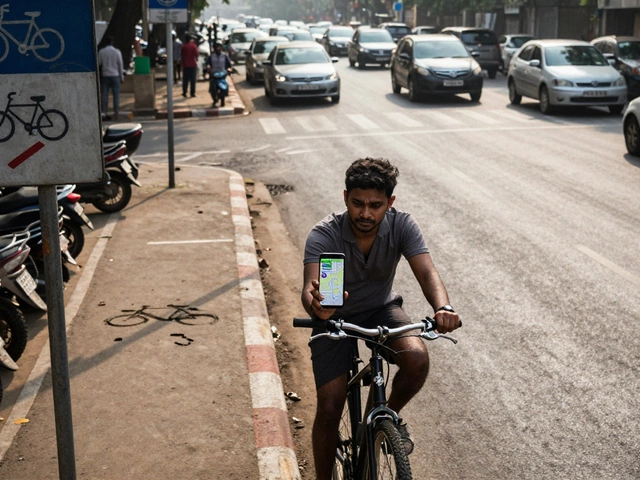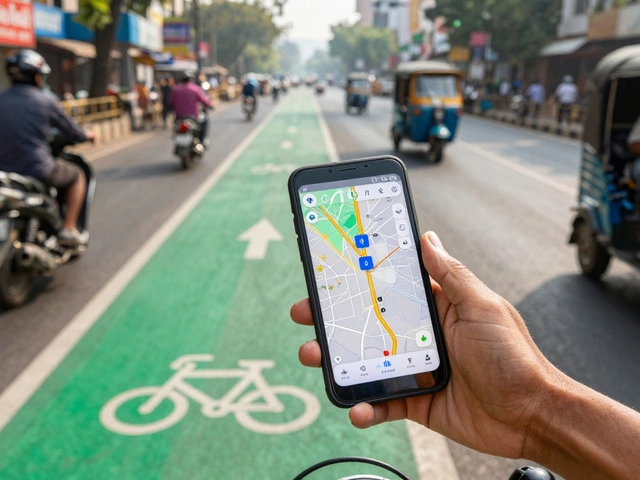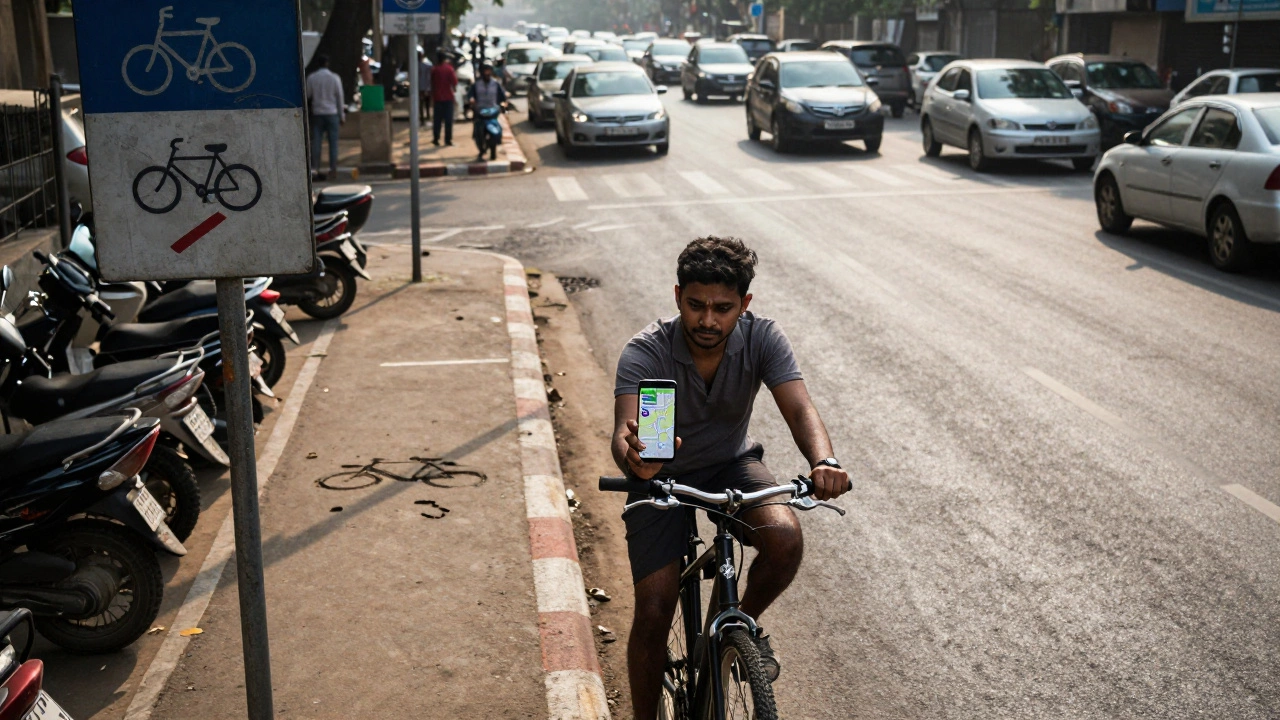
If you’ve ever tried to bike across town and ended up on a highway or a steep hill you didn’t see coming, you know how dangerous bad route planning can be. Google Maps is everywhere-it’s on your phone, your car, your smartwatch. So naturally, you might think: Is Google Maps good for cycling? The short answer? It’s better than nothing, but it’s not reliable enough to trust with your safety.
What Google Maps gets right for cyclists
Google Maps does have some useful features for cyclists. It shows bike lanes in many cities, including Bengaluru, Delhi, and Mumbai. If you’re new to biking in your area, that’s a decent starting point. It also avoids highways by default when you select the bike mode, which is a basic but important safety filter.
For short trips-like going from your apartment to a café or the metro station-it usually gets you there without major detours. The time estimates are often accurate, especially in low-traffic areas. And if you’re exploring a new neighborhood, the street view feature lets you preview sidewalks, potholes, and curb cuts before you even leave your door.
It’s free. It works offline. And it’s already on your phone. For casual riders who just want to get from A to B without thinking too hard, it’s serviceable.
Where Google Maps fails cyclists
But here’s the problem: Google Maps doesn’t understand how bikes actually move through cities. It treats cyclists like pedestrians with wheels. That leads to some dangerous assumptions.
First, it ignores one-way streets for bikes. In many Indian cities, cyclists are allowed to ride the wrong way on one-way roads for safety-especially when there’s no dedicated lane. Google Maps doesn’t know this. It’ll route you into traffic, forcing you to cross lanes or turn against the flow.
Second, it doesn’t account for surface conditions. You might get a route that looks clean on the map, only to hit a stretch of broken pavement, loose gravel, or a construction zone with no detour. In Bengaluru, where potholes are common and drainage ditches double as bike traps, this is a real risk.
Third, it doesn’t show bike parking, repair shops, or water refill stations. If you’re on a longer ride, you’ll need these. Google Maps might point you to a gas station-but not to the local mechanic who fixes chains for 50 rupees.
And then there’s elevation. Google Maps gives you a rough idea of hills, but it doesn’t tell you how steep they are. I once followed its route up a 12% grade near Hebbal, thinking it was just a gentle slope. By the time I reached the top, I was soaked in sweat and my chain had slipped twice. No warning. No alternative.
What’s missing: Real-world cycling data
Google Maps pulls data from traffic sensors, satellite imagery, and user reports-but not from cyclists. It doesn’t know which route feels safe at 7 a.m. when the roads are empty. It doesn’t know which side street has a smooth, wide path lined with trees and no cars. It doesn’t know that the bridge with the broken railing is still the best option because the detour adds 3 kilometers.
Compare that to dedicated cycling apps like Komoot, RideWithGPS, or even OpenStreetMap-based tools. These apps are built by cyclists, for cyclists. They include user-submitted notes: “Watch for dogs here,” “Great shade after 5 PM,” “Pothole at corner of 5th Main and 10th Cross.” These aren’t just details-they’re lifesavers.
In cities like Copenhagen or Amsterdam, Google Maps works better because those places have invested in bike infrastructure. But in places like Bengaluru, where bike lanes are often blocked by parked scooters or turned into parking spots, Google Maps is playing catch-up with outdated data.
Real-world test: Bengaluru vs. Google Maps
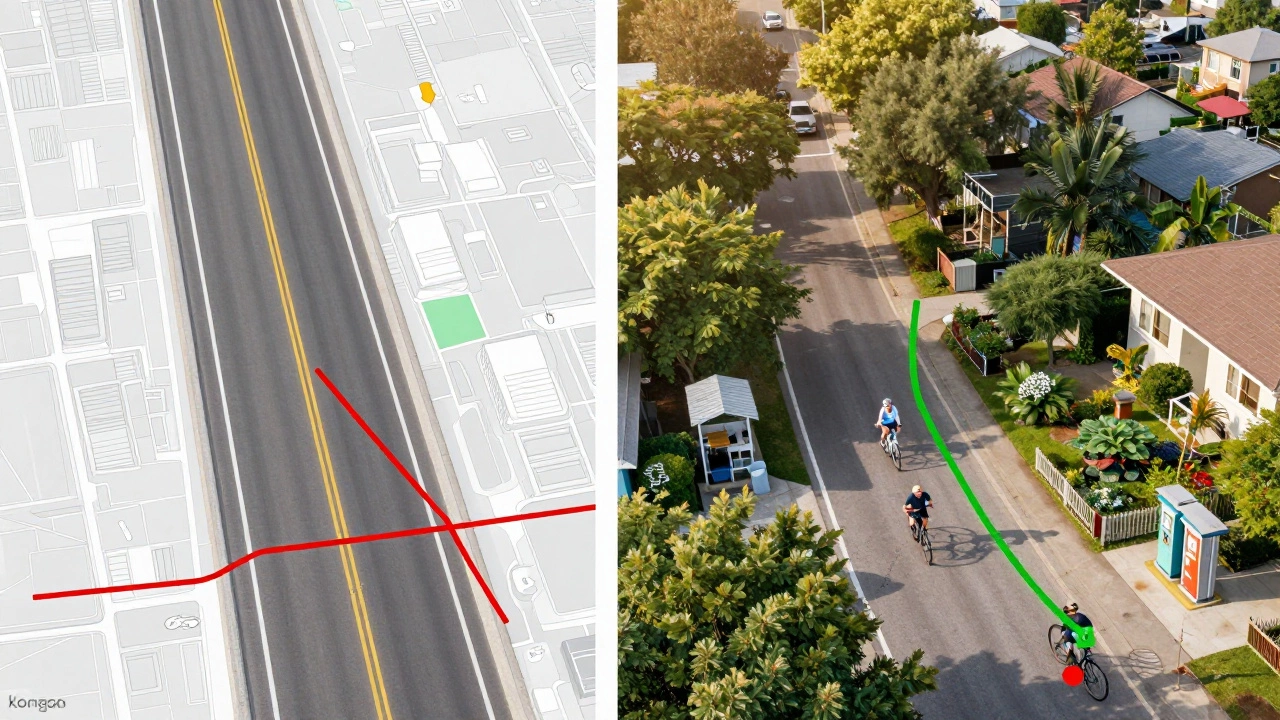
Last month, I took two identical trips from Jayanagar to Indiranagar-one using Google Maps, one using Komoot. Google’s route took me along MG Road, a busy 6-lane artery with no bike lane. Komoot sent me through quieter residential streets, past community gardens, and along a stretch of paved path next to a canal. The Google route was 1.2 km shorter and 3 minutes faster. But the Komoot route had zero cars, three water stalls, and one free air pump.
I chose Komoot again the next day. And the next. Because safety and comfort matter more than saving 3 minutes.
When you should still use Google Maps
Don’t ditch it entirely. Use it as a backup. Here’s when it’s still useful:
- For quick, familiar trips under 3 km where you already know the area
- When you’re in a new city and need a rough idea of where things are
- As a secondary check-if your cycling app gives you a weird route, cross-reference it
- If you’re in a pinch and have no other app installed
But never rely on it for longer rides, night rides, or unfamiliar neighborhoods. It’s not designed for that.
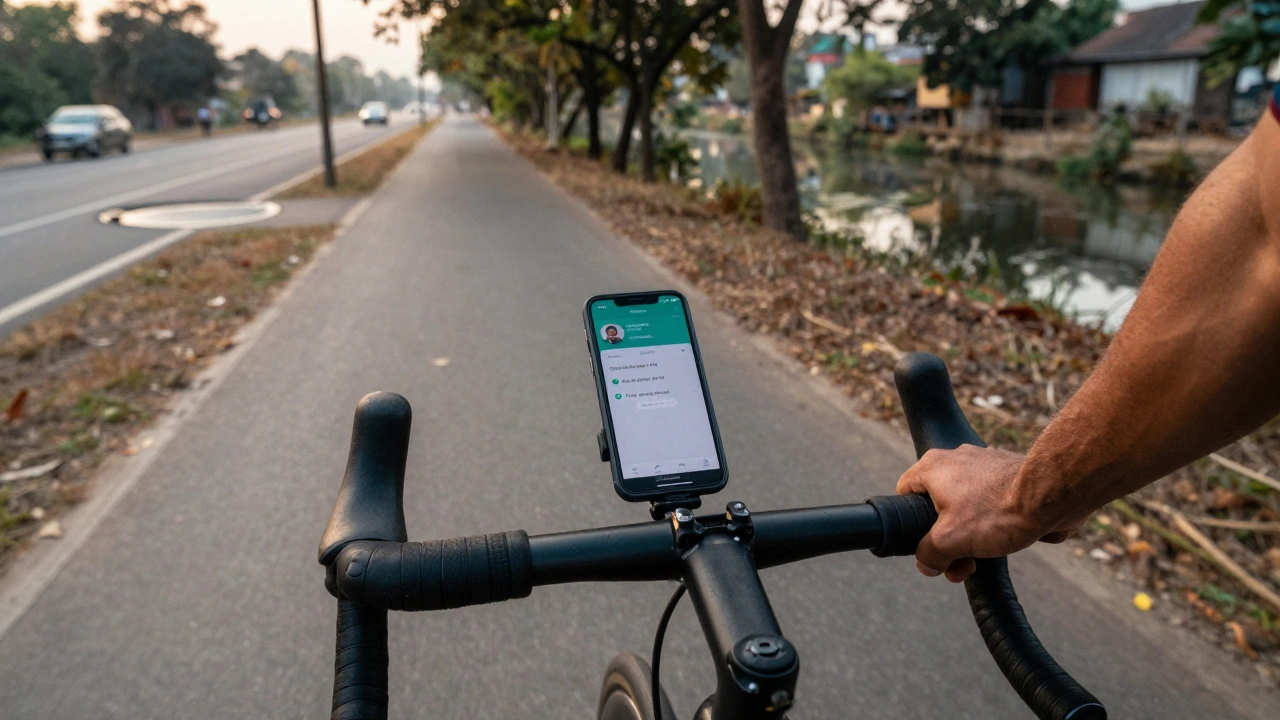
What to use instead
There are better tools out there. Here are three that actually help cyclists:
- Komoot - Lets you plan routes based on surface type, elevation, and popularity. Cyclists leave comments on every trail. It’s the closest thing to a crowd-sourced bike map.
- OpenStreetMap + OsmAnd - Open-source, constantly updated, and works offline. Shows bike lanes, cycle paths, and even bike-friendly cafes. Great for long-distance riders.
- RideWithGPS - Perfect for planning longer rides. You can upload routes from friends, track elevation, and even share your ride with others.
All three are free to start. Komoot’s premium version costs about $30 a year-but it’s cheaper than a new bike tire after you hit a pothole because Google Maps didn’t warn you.
Final verdict
Is Google Maps good for cycling? It’s okay for short, simple trips if you’re willing to double-check everything. But if you ride regularly, care about safety, or want to enjoy your ride instead of fighting traffic-it’s not good enough. You’re not just navigating roads. You’re navigating risk.
Real cyclists don’t rely on one app. They use tools built for bikes, not cars. And they listen to the people who ride the same routes every day. That’s how you find the quiet streets, the smooth paths, and the hidden shortcuts that make cycling in your city not just possible-but enjoyable.
Can Google Maps show bike lanes in India?
Yes, Google Maps shows bike lanes in major Indian cities like Bengaluru, Delhi, Mumbai, and Pune-but the data is incomplete and often outdated. Many bike lanes are blocked by parked vehicles or construction, and Google doesn’t update these changes in real time. Always look for physical signs and road conditions yourself.
Why doesn’t Google Maps avoid steep hills for cyclists?
Google Maps estimates elevation based on satellite data, but it doesn’t classify slopes as "easy," "moderate," or "steep" for biking. It treats all routes the same unless you manually avoid hills. Dedicated cycling apps like Komoot use real cyclist data to rate inclines and suggest flatter alternatives.
Is it safe to rely on Google Maps for night cycling?
No. Google Maps doesn’t show lighting conditions, unsafe intersections, or areas with poor visibility at night. Many routes that look fine during the day become dangerous after dark. Use a cycling app with user-reported safety notes, or stick to well-lit, familiar roads.
Do any Indian cities have better bike navigation than Google Maps?
Some cities, like Bengaluru and Pune, have local cycling groups that publish offline maps with safe routes, water stops, and repair points. These aren’t on Google Maps. Apps like OsmAnd and Komoot let you download these community maps for free. They’re more accurate than Google’s generic data.
Can I use Google Maps offline for cycling?
Yes, you can download offline maps in Google Maps, but they don’t include bike-specific routing details. You’ll still get car-based directions, which may lead you onto highways or busy roads. For reliable offline cycling navigation, use Komoot or OsmAnd-they preserve bike lanes, paths, and user notes even without internet.